Knowledge Base Guides
Moving a Knowledge Base Off a Hosted Tool: What to Check First
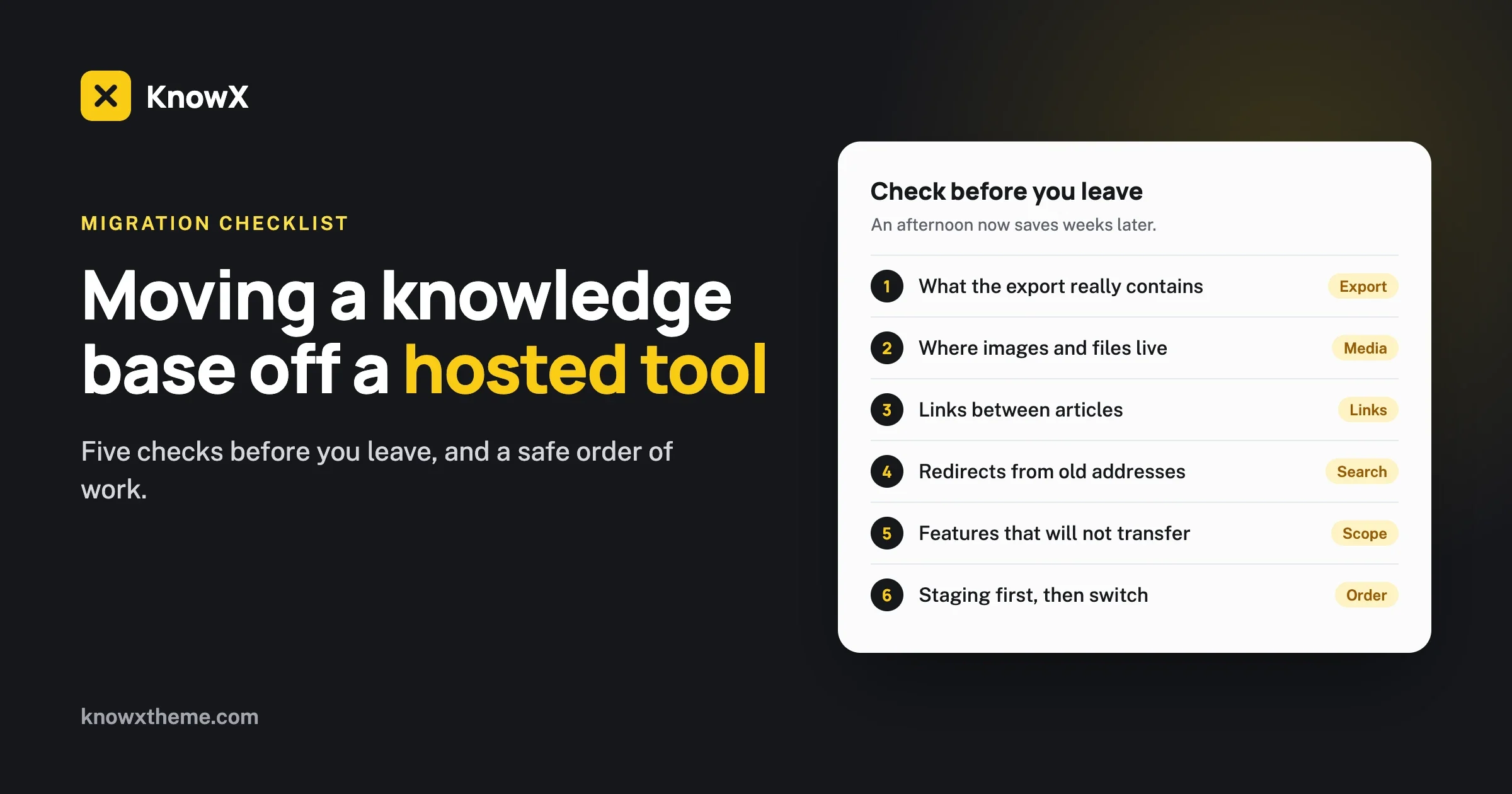
Five checks before you move a knowledge base off a hosted tool: the export, images, links, redirects and lost features. Plus a safe order of work.
KnowX is a free WordPress theme that turns posts and categories into a help center. Activate it, and your knowledge base home page is ready. Your articles stay on a site you own.
How it works
Four steps, all in the WordPress admin you already know.
Add KnowX from Appearance > Themes. On first activation it creates a Knowledge Base page and sets it as your home page.
Each WordPress category is a topic, such as Getting Started or Billing.
Publish a post and pick its category. It shows up in Recent Articles on the home page and on its topic page.
Set the logo, colours, fonts, header and footer in the Customizer.
What you get
Everything below is in the free download.
Layout One has a hero with search, a tile for each topic, popular and recent articles, and a support section. Layout Two lists every topic with its articles.
An optional sub-header shows where the reader is and lets them search. It uses the Yoast SEO breadcrumb trail when you have it on.
Set the login logo, its link and the page title from the Customizer.
Left and right sidebars, a KnowX Categories widget and four footer widget areas.
Google Fonts can be loaded from your own server, with preload.
KnowX detects bbPress, Elementor and Jetpack and adjusts for them.
See all featuresWho it is for
Three common uses, one theme.
Answers your customers can find before they write to support.
Customer help centerA team wiki for how-tos, policies and onboarding.
Internal knowledge baseGuides and references grouped by topic, on your own domain.
WordPress as knowledge base softwareHonest comparison
Both are fair choices. Pick by what matters most to you.
Hosted knowledge base software | WordPress with KnowX | |
|---|---|---|
| Getting started quickly | Usually the faster start | You set up WordPress first |
| Monthly software fee | Yes, often per agent or per seat | None for the theme. You pay for hosting |
| Where your articles live | On the provider's platform | In your own WordPress database |
| Hosting and updates | The provider looks after them | You or your developer look after them |
| Voting, analytics, AI answers, ticketing | Often built in | Not in KnowX. Added with plugins if you need them |
| Changing the design and behaviour | Limited to what the provider allows | Changeable with the Customizer and code |
Five checks before you move a knowledge base off a hosted tool: the export, images, links, redirects and lost features. Plus a safe order of work.
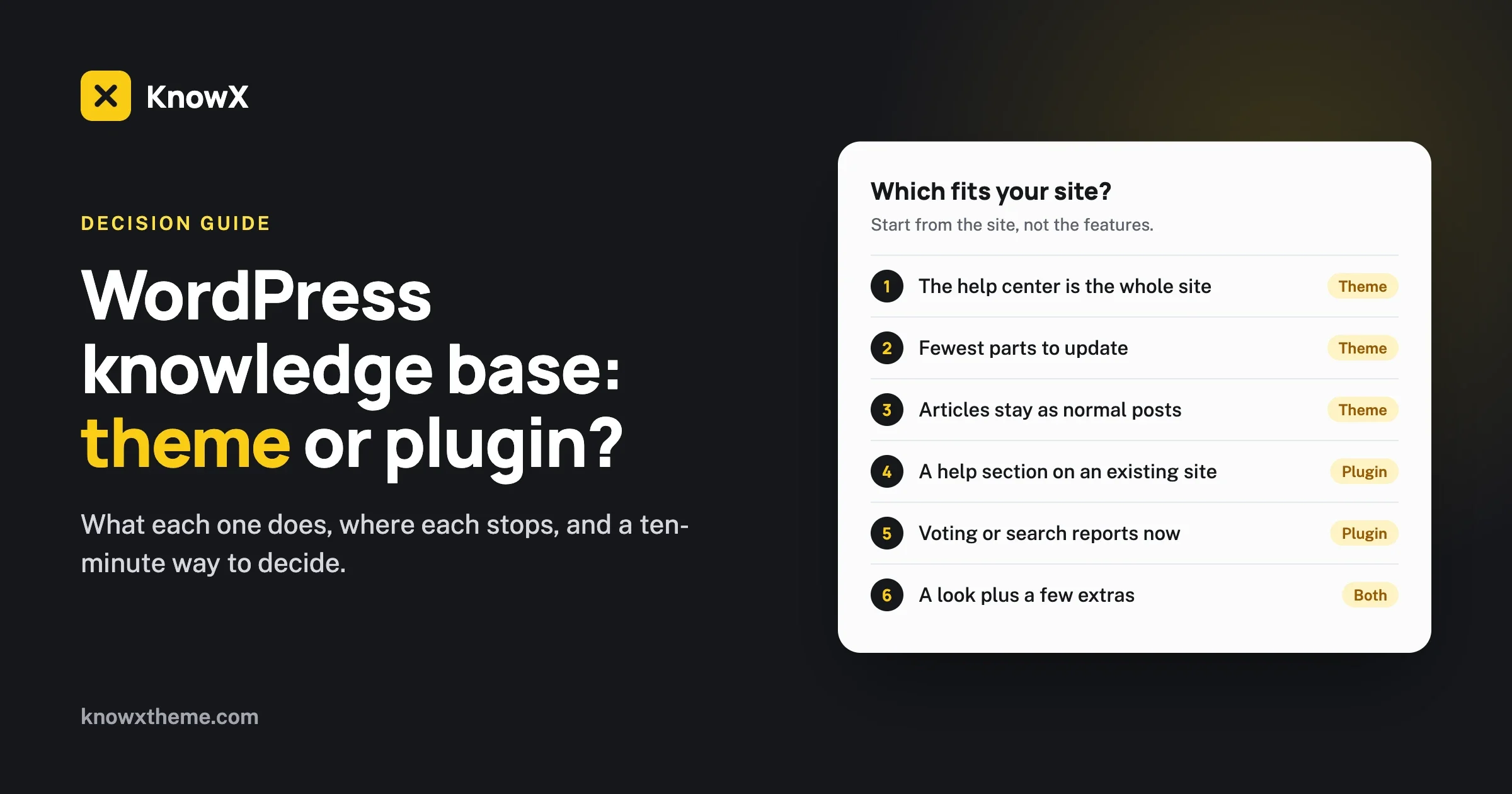
Should your WordPress knowledge base use a theme or a plugin? What each does, where each stops, and a ten-minute checklist to decide.
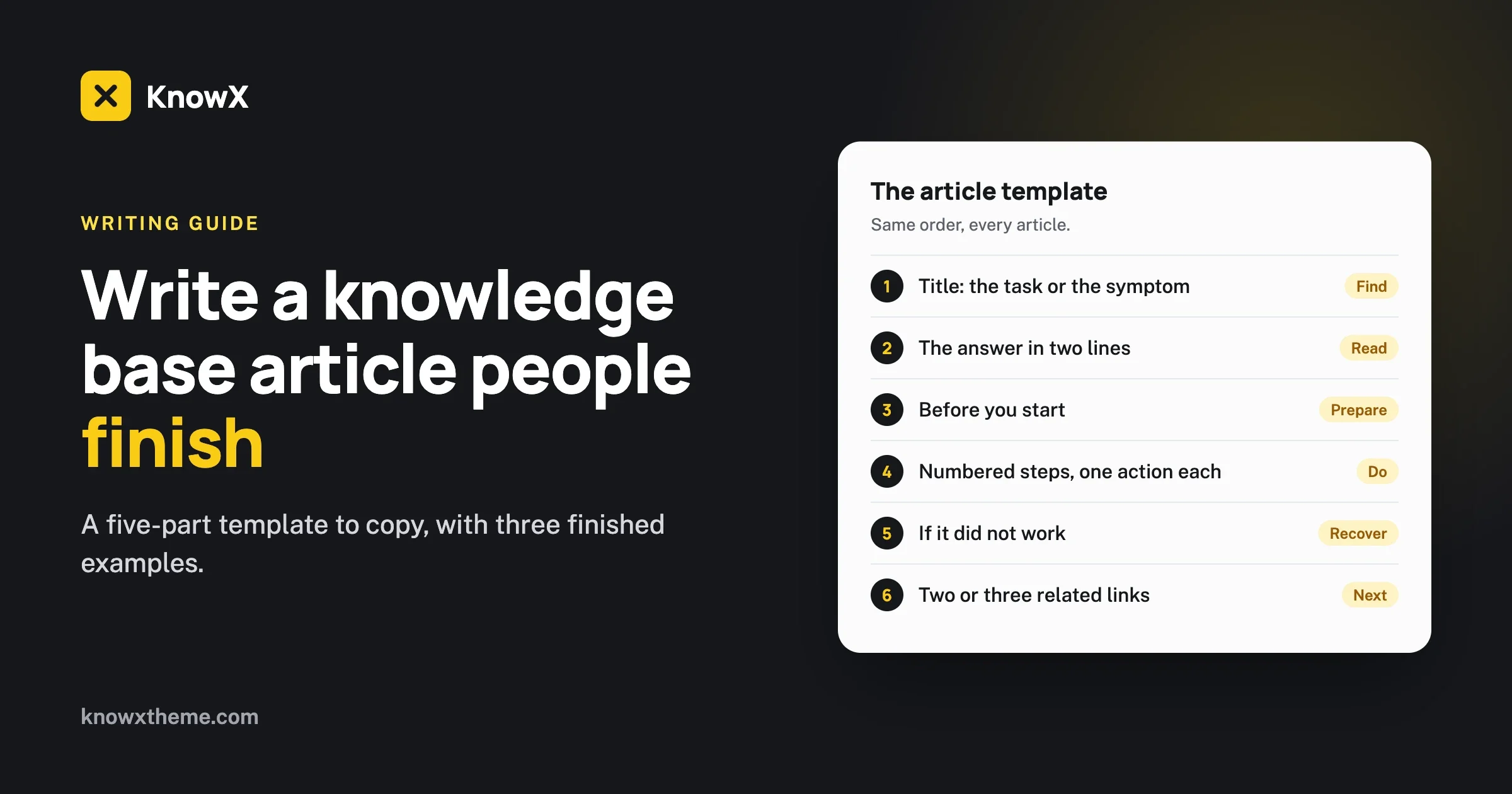
A five-part knowledge base article template you can copy, with three finished examples and a five-minute review checklist.
Download KnowX free from WordPress.org, or ask us to build it for you.
The all-in-one WordPress community stack
Also ours: wbcomdesigns.comvapvarun.combrndle.com