Wiki or Course? Choosing the Right Format for Employee Training
Reference material people look up belongs in a wiki or knowledge base. Training people must complete and prove belongs in a course. How to sort your topics, who maintains what, and a 30-day plan.

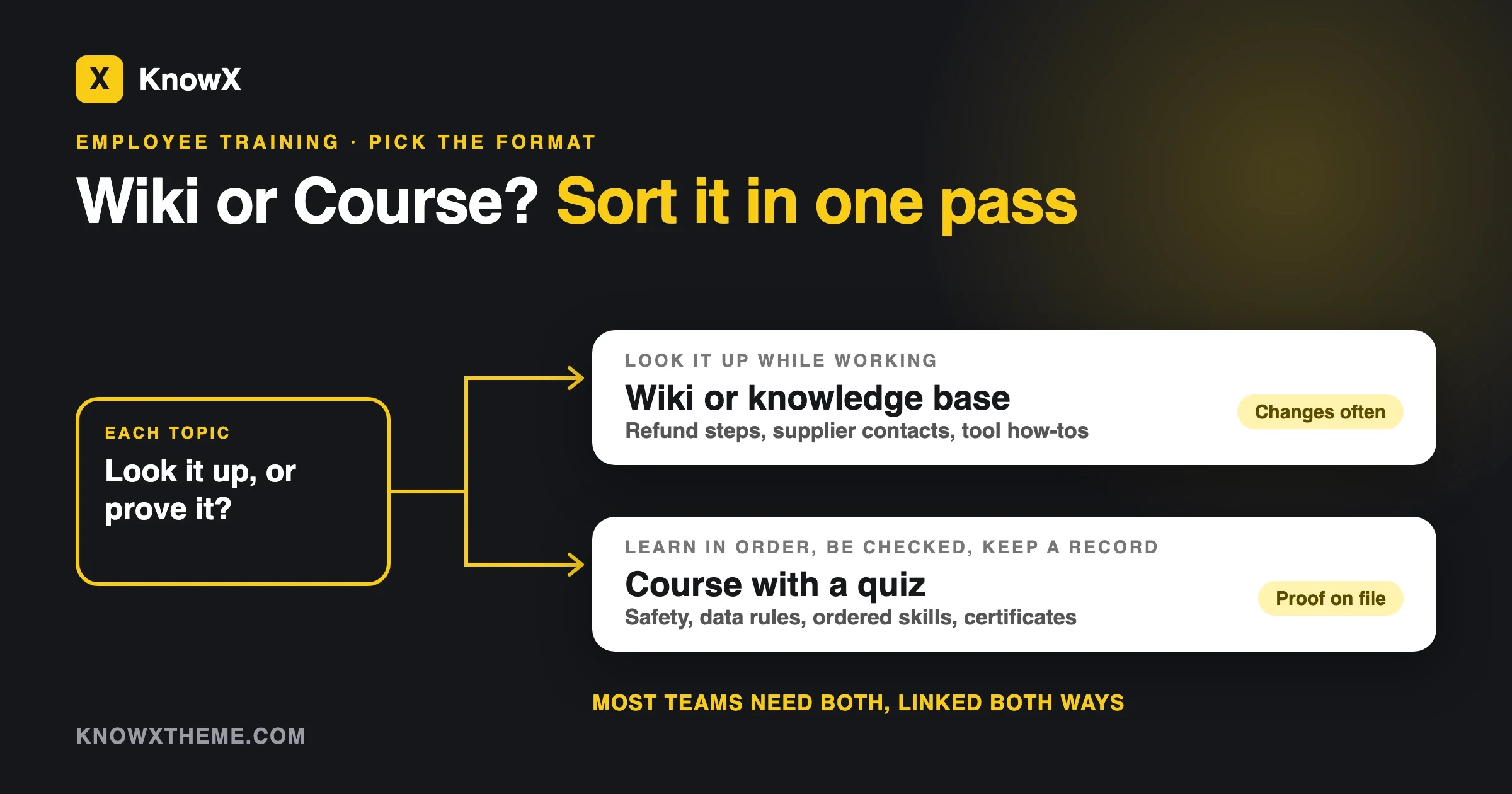
Put it in a knowledge base or wiki if people will look it up while they work. Put it in a course if people must learn it in order, be checked on it, or prove they finished it. Most small teams need both, and the two work best when each points at the other.
That is the whole rule of thumb. The rest of this guide shows how to apply it to your own list of things staff need to know, where the two formats overlap, who should look after each, and how a team of ten or twenty can set it all up in thirty days without a training department.
Examples here come from ordinary jobs: onboarding a new hire, a returns procedure, a fire-safety briefing, how to run the till, how to use a booking system. If you manage people and do not write software, this is for you.
What is the difference between a job aid and training?
A job aid is something you use while doing the task. Training is something you do before the task so you can do it without help. A checklist taped above the label printer is a job aid. A half-day session on how to pack fragile orders is training.
The difference matters because the two have different jobs, and a format that suits one is awkward for the other.
Take the label printer. A new packer needs to know that the printer is paired with the laptop on the left, that the paper size is set to four by six inches, and that a flashing red light means the roll is empty. Nobody should memorise that. They should look at a one-page guide the first three times and then stop looking because the steps have become habit. That is a job aid, and it belongs in a place where someone can search “label printer red light” and land on the answer in seconds.
Now take the rule that every order containing a lithium battery needs a hazard label. Getting that wrong is not an inconvenience. It can stop a courier pickup, trigger a fine or cause a fire. You do not want your packer to discover the rule by searching for it at the moment of need. You want them to have learned it, been asked about it, and have a record that they did. That is training.
Most of what staff need falls on one side or the other. The trouble starts with the stuff in the middle, which we cover below. First, here is why the format matters at all.
Why do people forget training, and what does that mean for the format?
People forget most of what they hear once, and they forget it quickly. The best-known evidence is the forgetting curve, first measured by the German psychologist Hermann Ebbinghaus in the 1880s. In 2015 Jaap Murre and Joeri Dros repeated his experiment with modern controls and published it in PLOS ONE. They tested recall after 20 minutes, 1 hour, 9 hours, 1 day, 2 days and 31 days, and concluded that the Ebbinghaus forgetting curve has indeed been replicated. Memory drops steeply at first and then flattens.
One caution: the study used one person learning lists of nonsense syllables, so it shows the shape of forgetting, not a percentage for your onboarding day. Daily use acts as repetition, so everyday tasks stick.
What the curve does give a manager is a way to think about each item on your training list:
- If staff will use the knowledge every day, it will stick without much help, and a short guide is enough.
- If staff will use it rarely, forgetting is nearly certain, so either put it where they can look it up or schedule repeat training.
- If a mistake is costly and the knowledge is rarely used, you need both. Train it, test it, and keep the reference page one search away.
That third group is why “wiki or course?” so often has the answer “both.”
How do people actually behave at work?
We do not have a clean study to cite here, so treat this as an observation from how teams run rather than a statistic. When someone gets stuck at work, they ask the nearest person, then they search, and only then do they open a course. Almost nobody reopens a forty-minute course to find one step. If your staff already do it that way, a course that holds the only copy of a procedure is a course people will route around. They will ask Dana instead, and Dana will answer from memory, possibly out of date.
Ask three people how they last found out how to do something. Their answers show what format they will really use.
When should employee training be a course?
Make it a course when you need the person to learn something in a set order, show they understood it, or leave a record. A course earns its extra effort when any one of the five signs below applies. If none applies, a course is probably more work than the topic deserves.
1. Someone outside your company requires proof
Compliance training is the clearest case. If a law, a regulator, a contract or an insurer says every employee must be trained on something, you need to show who was trained, when, and that they passed. Health and safety, data protection, anti-harassment and anti-bribery are the usual examples, though what applies to you depends on your country, your industry and your contracts. A wiki page cannot tell you who read it. A course with enrolment and a pass mark can.
2. The skills depend on each other
Some things cannot be learned in any order. A new bookkeeper has to understand how invoices are coded before reconciling the bank feed, and has to reconcile before closing the month. A course can enforce that order. A wiki lets someone open the month-end page on day one and get lost.
3. You need to check understanding, not only exposure
Reading a page and understanding it are different things. If the cost of a misunderstanding is high, a short quiz is the cheapest way to find out. The quiz does not have to be hard. Five questions on the lithium battery rule will quickly show who needs a second look.
4. A certificate or sign-off matters
Some roles need a record that says “this person completed this on this date.” It could be for a customer audit, a safety inspector or your own insurance renewal. A course platform can issue and store that. A wiki cannot.
5. The same group needs to start at the same time
If you hire six seasonal staff every autumn, a course lets you enrol all six on Monday, see who has finished by Wednesday, and nudge the stragglers. A wiki has no idea who the six are.
If you cannot point to at least one of these five for a topic, resist the course. Most teams that build a course for everything end up with a library nobody finishes and nobody updates.
When should it be a wiki or knowledge base instead?
Use a wiki or knowledge base when people need to find something at the moment of need, when the content changes often, or when several people know pieces of it. Three signs point there.
The procedure changes
Prices change, suppliers change, software menus move. A course is a finished product: re-recording a video or rewriting ten screens takes planning, so people avoid it, and the course drifts out of date. A knowledge base article takes five minutes to edit. If you expect to change the content more than a couple of times a year, a course is the wrong container. Our guide on keeping a knowledge base current covers the review routine that stops those edits from being forgotten.
People look it up in the moment
Some questions come up mid-task: where do I find the refund form, what is the wifi password for the meeting room, who approves overtime. Nobody learns these in advance because nobody needs them in advance. The right format is a short page, a clear title and a working search box.
Many people hold the knowledge
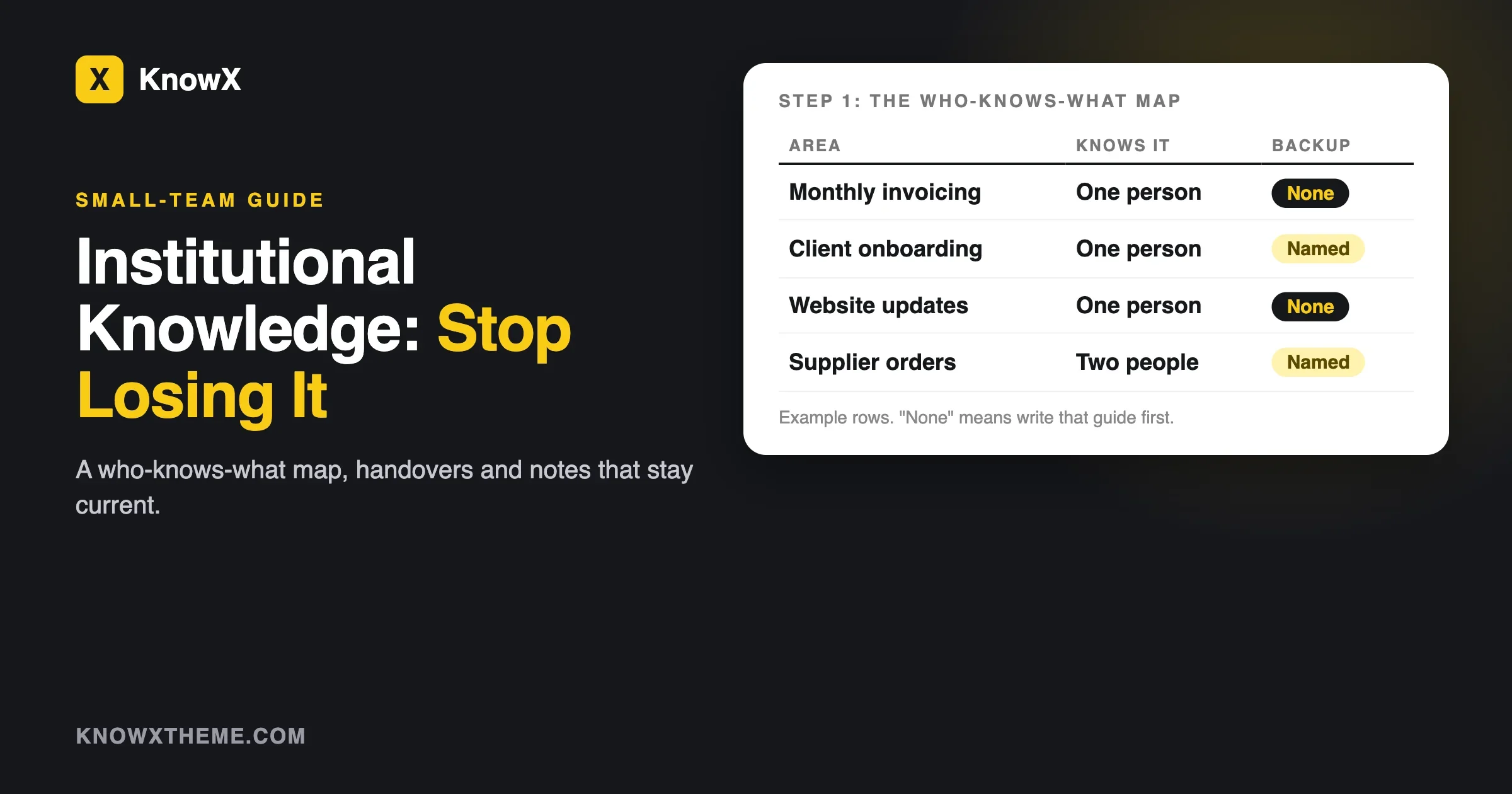
A course usually has one author with a clear voice. A wiki can have ten contributors, each adding what they know. If the person who knows how to handle a difficult supplier is not the person who knows how to handle a late delivery, a wiki gathers both. This is also your best defence against the problem described in our guide on institutional knowledge walking out the door: the more people who can add to it, the less any one departure costs you.
What is the difference between a wiki and a knowledge base here?
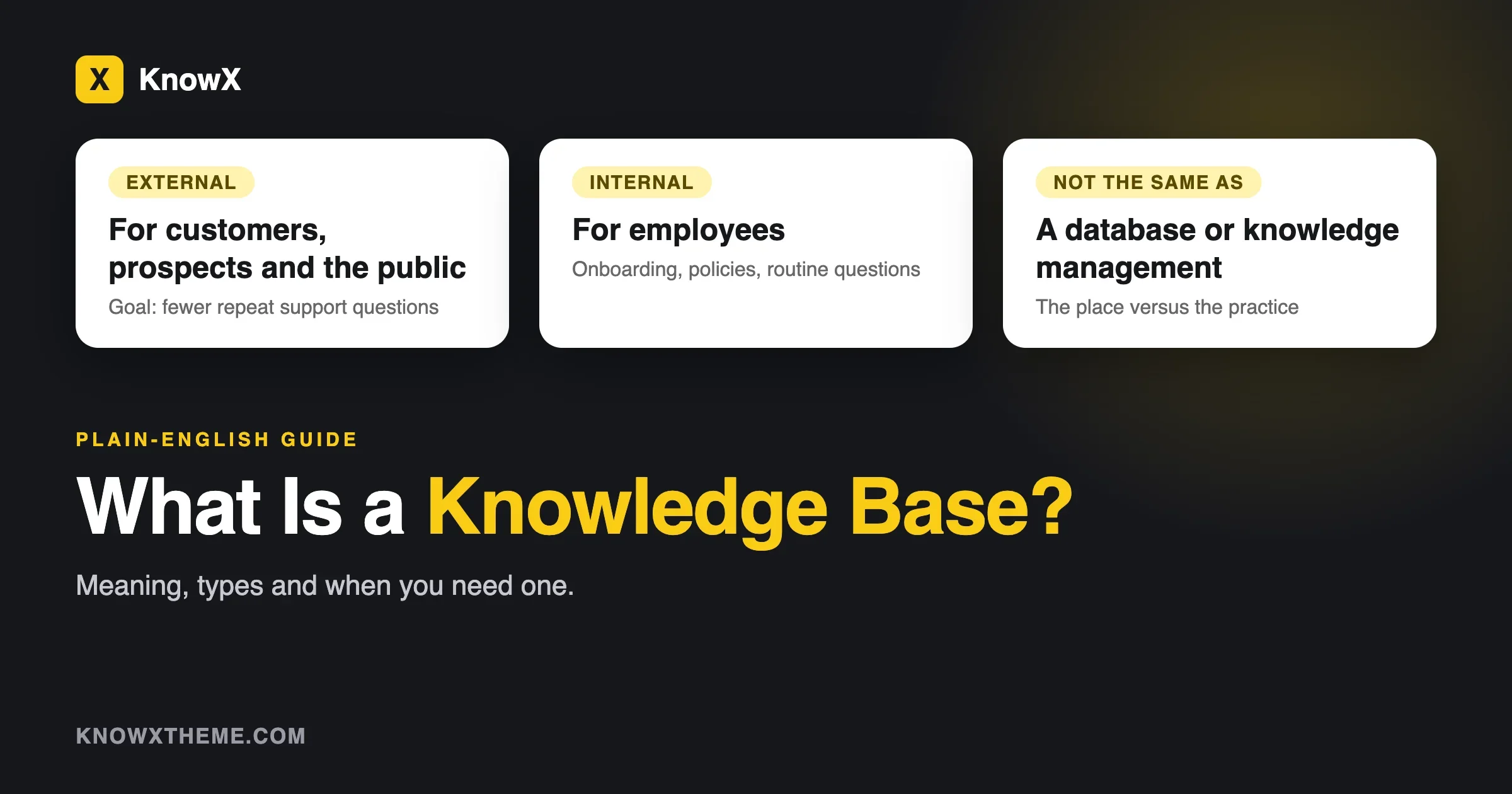
A wiki is open for many people to edit. A knowledge base is a curated set of articles that a few people write and everyone reads. For training purposes, use a wiki when you want staff to improve the pages, and a knowledge base when you want one reviewed version of the truth. We cover that choice in full in Internal Wiki vs Knowledge Base, so this guide treats them together as “the reference side” and spends its time on the other question: reference or course.
Can I use both? How do a course and a knowledge base work together?
Yes, and for most teams this is the right answer. The course teaches the idea and checks it. The knowledge base holds the detail people look up afterwards. Each one links to the other.
Here is how it looks for the lithium battery rule:
- A short course lesson explains why the rule exists, shows two photos of correctly labelled boxes, and ends with a three-question quiz. At the bottom is a link: “Need the label template or the list of affected products? See the dangerous goods page in the knowledge base.”
- The knowledge base article has the template, the product list, the courier phone number and a line at the top: “New to this? Take the five-minute Dangerous Goods course first.”
- When the product list changes, you edit one knowledge base article. The course does not need to be touched, because it never held the list.
That last point is the real gain. The course holds the stable part: why, and what good looks like. The knowledge base holds the part that moves: lists, prices, versions, contact details. Keep volatile facts out of the course, and you will not be rebuilding it every quarter.
Keep one rule firm: never put a price, phone number, product list or software menu path inside a course. Link to the article instead.
How do I decide for each topic? A decision table
Go down your list of training topics and put each one through the table. The first column that fits is usually your answer. Where two fit, use both.
If the topic... | Use | Example |
|---|---|---|
Is required by law, a contract or an insurer | Course | Data protection basics, fire safety |
Needs a pass mark or a certificate | Course | Handling hazardous goods |
Must be learned in a fixed order | Course | Month-end bookkeeping, a machine start-up sequence |
Starts a group of people on the same day | Course | Seasonal staff induction |
Is looked up while doing the task | Knowledge base | How to process a refund, label printer fixes |
Changes more than twice a year | Knowledge base | Supplier contacts, price lists, software steps |
Is known in pieces by several people | Wiki | Customer quirks, workarounds, local tips |
Is rare but costly if wrong | Both | Emergency shutdown, a data breach response |
Is used daily and low risk | Knowledge base, short | Opening and closing checklist |
Is company culture, values, story | Short course or a welcome page | Welcome to the team, how we talk to customers |
If a topic fits nowhere, ask whether it is needed at all. Some things go on a training list only because someone once thought they should.
Who should maintain a course and who should maintain a wiki?
One named person owns each course, and one named person owns each section of the knowledge base. The two jobs are different, so do not give them to the same person by default. This is where most of these projects quietly fail, so it is worth settling before you build anything.
Who owns the course
Choose someone who understands the topic and has the authority to say what “passed” means. For safety training that might be the operations manager. For onboarding it might be you or your HR lead. They need to review the course once or twice a year, read the quiz results to see which questions most people get wrong, and sign off any change. Courses change in planned releases, not in small daily edits.
Who owns the knowledge base
Choose a person per section: one for warehouse, one for customer support, one for finance. Each owner checks their section on a schedule and approves or fixes what colleagues add. They are editors, not the only writers. A reasonable load for a small team is about an hour a month per section.
One more habit: put a line in the article’s review note such as “Linked from the Dangerous Goods course. Tell Sam if the rule itself changes.”
Course | Knowledge base or wiki | |
|---|---|---|
Changes | Planned, a few times a year | Small edits any day |
Owner | One accountable person per course | One editor per section, many writers |
Review | Yearly, plus when the rule changes | Quarterly, per section |
Measures | Completion, quiz scores | Which pages get used, what people cannot find |
Failure looks like | Nobody finishes it, or it is out of date | Duplicates, old pages, search finds nothing |
What should I use to build each side?
You can build both on WordPress, which suits a small business that already has a website and wants to avoid another monthly fee per person. Here are the options we know, with their limits. They are options, not a requirement: any knowledge base tool plus any course tool will work if the two can link to each other.
The knowledge base side: KnowX
KnowX is the free WordPress theme for knowledge bases that this site is about. Articles are ordinary WordPress posts grouped into categories, so there is nothing proprietary to export later. It gives you a knowledge base home page, a category structure, breadcrumbs and a search box. See our page on an internal knowledge base with KnowX for how a staff-only version is set up.
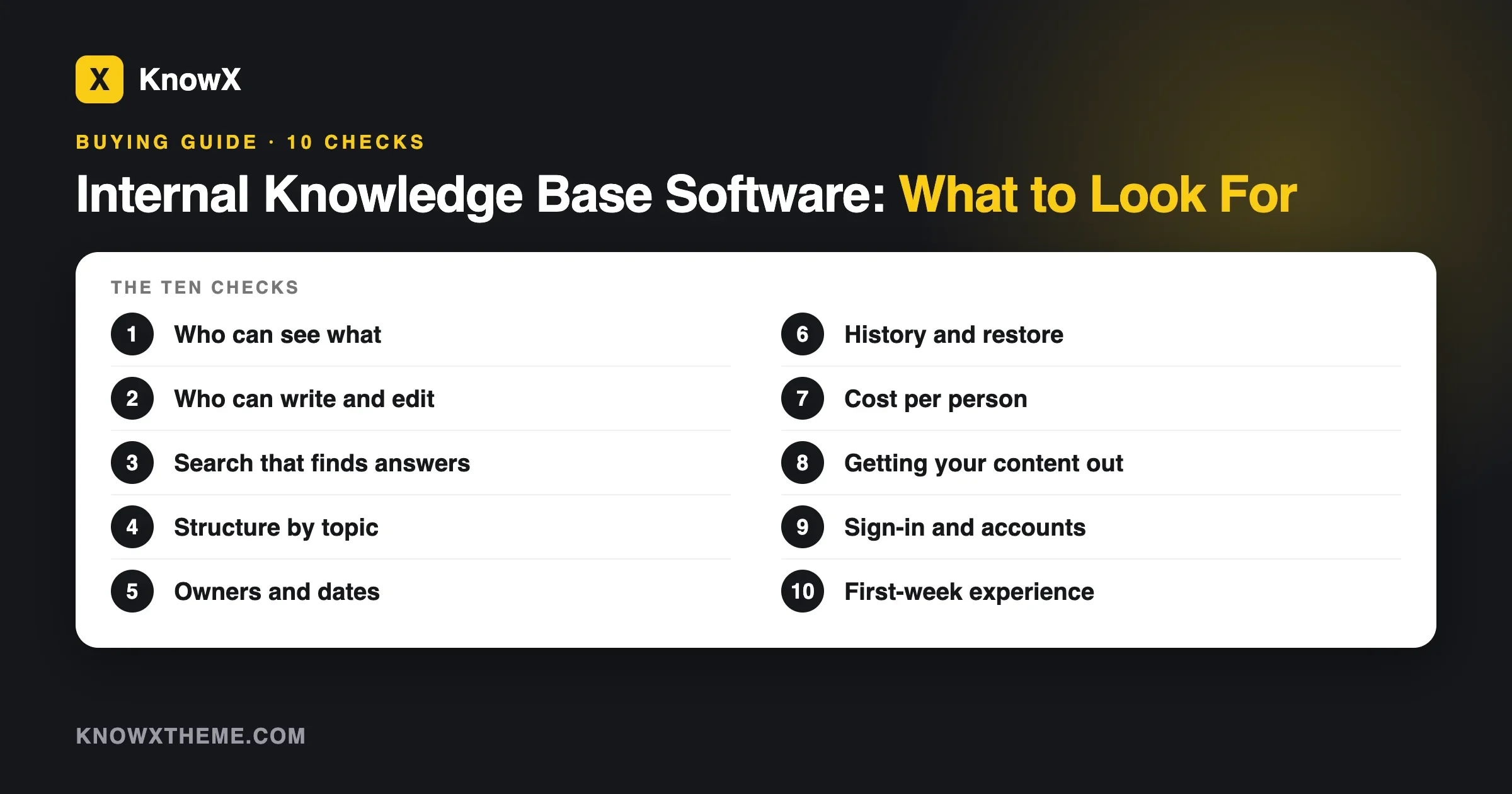
What it does not do matters just as much here. KnowX has no article voting, no search analytics, no AI answers, no ticketing, no per-article access roles and no tracking of who has read what. For a staff knowledge base that is often fine, because the pages are meant to be found and used, not tracked. If you need proof that someone read something, that is the course side’s job, not the knowledge base’s. If staff-only access matters, read what to look for in internal knowledge base software before choosing, because the theme alone does not control who sees what. It is also a theme, which means you host WordPress yourself and the hosting and domain cost is yours.
The course side: Learnomy
Learnomy is a WordPress course plugin from the same company as KnowX. On its corporate training page (read 14 November 2026) it lists invite-only courses for internal rollouts, quizzes with automatic grading, certificates with a public verification link, progress tracking, and groups of staff enrolled together. It runs on your own WordPress site, so you control where employee data sits. As with KnowX, the hosting is yours to pay for and look after.
If you want a wider comparison before choosing, our sister site has one called best LMS for corporate employee training. It looks at what a company needs from a learning system and where each option stops. Read it with your five signs from earlier in hand, because that tells you how much LMS you really need.
The wiki side, if staff should edit: WB Member Wiki
If you want staff to write and improve pages themselves, rather than only read them, WB Member Wiki adds a wiki to WordPress with page links, revision history, edit locking and a review step before edits go live. We described how it fits alongside KnowX in our guide to a collaborative knowledge base your class or lab can improve. That guide is written for a school, but the structure carries over directly to a team: pages staff own, a wiki everyone improves, and a review step to protect what matters.
If you train three people a year, a shared folder with a checklist may be all you need.
How do I get started? A 30-day plan for a small team
You can set up both sides in a month while doing your day job. This plan assumes a team of 5 to 25 people and a manager who can give about two hours a week. It is deliberately modest. Do less, finish it, then add.
Week 1: List and sort
- Write down every topic a new starter must know in their first three months. Ask the last two people you hired what they wish they had been told.
- Put each topic through the decision table above. Mark each one Course, Knowledge base, or Both.
- Count the results. Most teams find that two to five topics need a course and the rest belong in a knowledge base. If your count is the other way round, check that you are not building courses out of habit.
- Name an owner for each course and each knowledge base section. Write the names down.
Week 2: Build the reference side first
- Set up the knowledge base. Choose the tool, set up categories that match the way your team talks, and publish the ten topics people ask about most.
- Use a fixed shape for each article: what this is for, the steps, what to do when it goes wrong, who to ask. Our knowledge base article template gives you one you can copy.
- Ask two colleagues to find three answers without your help. Where they get stuck, rename the article or move it.
Reference first is deliberate: a knowledge base is useful on day one, and courses built before it tend to stuff every fact into lessons.
Week 3: Build one course, not five
- Pick the single topic where a mistake would cost you the most, or where proof is required. Build that one.
- Keep it to 20 to 30 minutes in total. Short lessons of a few minutes each, a handful of quiz questions at the end, and a link to the matching knowledge base articles in every lesson.
- Test it with one person who has never done the task. Watch where they hesitate. Fix those spots.
- Set the pass mark. For safety and compliance topics we suggest asking staff to retake until they pass, with a short pause between tries, so a pass reflects understanding and not luck.
Week 4: Roll out and set the review rhythm
- Enrol your next new starter, or an existing group, in the course. Tell them where the knowledge base lives and show them how to search it.
- Put a monthly review in the owners’ diaries, 30 minutes each: check which articles are old, which questions came up that nobody could answer, and which quiz questions most people miss.
- Decide the date for building course number two, and what triggers it. A mistake in the first month is a good trigger.
By the end of the month you will have a working knowledge base, one course with a quiz, and named owners. That is a real training system for a small team. Add to it as the need appears and not before.
What mistakes do teams make when choosing between a wiki and a course?
The mistakes fall into five patterns. Each one has a simple check and a fix.
Putting everything in a course
Symptom: staff say they “did the training” but still ask colleagues for basic steps. Check: is the detail in the lessons, where nobody can search it? Fix: move the lookup detail to knowledge base articles and link to them. Prevent: apply the five signs before building any new course.
Putting everything in a wiki
Symptom: a compliance question arrives and you cannot show who was trained. Check: list the topics where someone outside the company needs proof. Fix: build a short course for those topics only. Prevent: keep a list of “must prove” topics and review it each year.
Measuring completion instead of competence
Symptom: a hundred percent completion and the same errors on the floor. Check: were the quiz questions about the real mistakes? Fix: rewrite them using actual incidents. Prevent: add a question every time something goes wrong.
Frequently asked questions
Is a wiki or a course better for onboarding new employees?
Use both, in a particular order. A short course covers what a new starter must know and prove in the first weeks, such as safety, data handling and company rules. A knowledge base covers everything they will look up in their first months, such as how each tool works and who to ask. Give new staff the knowledge base link on day one, even before the course.
Can a knowledge base replace employee training?
Only for topics where nobody needs proof and a mistake is cheap. A knowledge base cannot show who has read a page, cannot check understanding and cannot give a certificate. If the topic is required by a law, a contract or an insurer, or a mistake is costly, you need training that records completion. A knowledge base is still the right place for the detail behind it.
Do small businesses need a learning management system?
Not at first. Many small teams run well on a knowledge base and a short training session with a checklist. You need an LMS (a system that assigns courses, tracks completion and stores certificates) when you must prove training to someone outside the company, when you train groups on a schedule, or when you want quizzes that mark themselves. If one of those applies, a small WordPress-based option is enough for many teams.
How often should staff repeat training?
Follow whatever the rule, regulator or contract says for required topics, since many specify a yearly or similar refresher. For other topics, repeat when the content changes, when an incident shows a gap, or when a quiz shows that people are not remembering. The forgetting curve suggests that rare, high-risk topics deserve a refresher even without a rule.
Can I build both on WordPress?
Yes. A knowledge base theme such as KnowX handles the reference pages, and a course plugin such as Learnomy handles lessons, quizzes and certificates. Both run on a WordPress site you host. It is not the only route, but it keeps your content on a site you control and avoids a monthly fee per person.
The short version
Sort your list of training topics by two questions: do people look this up, and do I need to prove they learned it? Look-up topics go in the knowledge base. Must-prove topics go in a course. Rare but costly topics go in both. Link them to each other, give each piece a named owner, and start with the knowledge base and one small course.
If you are starting from nothing, begin with the reference side. Our guide to an internal knowledge base with KnowX walks through a staff setup, and KnowX itself is free on WordPress.org. Add the course when you reach your first topic that needs proof.