Knowledge Base Software: Self-Hosted on WordPress or a SaaS Help Center?
A fair comparison for small teams: what a SaaS help center costs per person, what self-hosting on WordPress costs in time and money, who owns the content, and when a SaaS tool is the better choice.

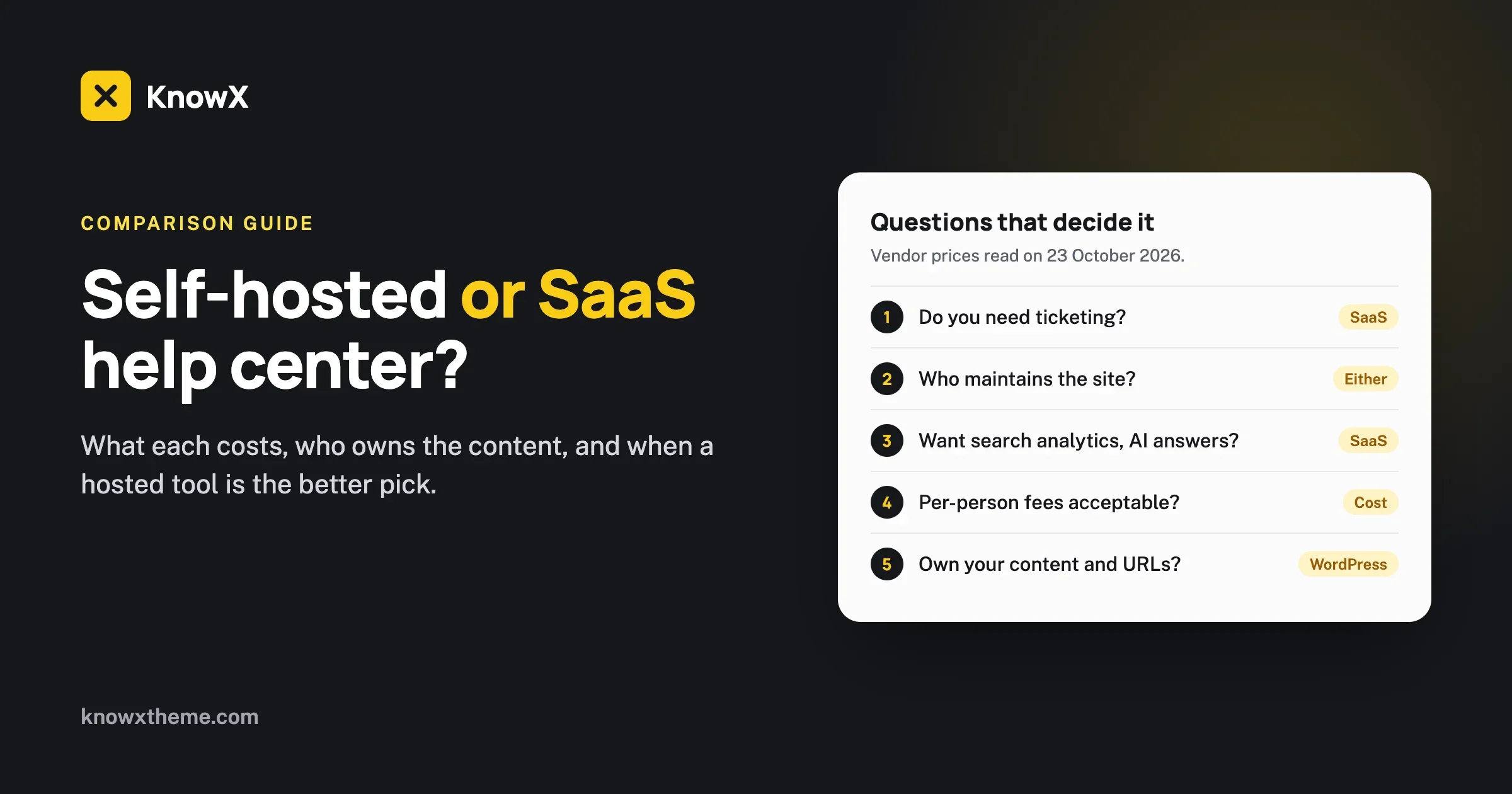
Use a SaaS help center if you want support software that someone else runs, with ticketing, feedback and answers built in. Use a self-hosted knowledge base on WordPress if you want to own the content and the addresses, keep the cost low and are happy to look after a website. Both are good choices. The right one depends on how many people work in support, how much you want to pay each month and who will do the maintenance.
We make KnowX, a free WordPress theme for knowledge bases, documentation sites and help centers, so we have an obvious interest. We have tried to write this the way we would want a competitor to write it: read the vendors’ own pricing pages on the day, say what each option does well, and say plainly where KnowX does not do what a SaaS tool does. KnowX is free. It has no pricing page and no paid tier, and there is nothing to sell you here except a free download if you decide it fits.
What do we mean by the two options?
A SaaS help center
“SaaS” means software as a service: you rent a hosted tool. You log in to a website, write articles, and the vendor runs the servers, the search, the updates and the security. Your help center usually lives at an address on your own domain, such as help.yourcompany.com, but the engine behind it belongs to the vendor. You pay each month or year, often per person who writes or answers customers.
A self-hosted knowledge base on WordPress
“Self-hosted” means you run the software yourself, on a web host you pay for. With WordPress, the articles are ordinary posts and categories in your own database. A theme or plugin decides how the knowledge base looks and behaves. KnowX is a theme, so for us “knowledge base software” means WordPress plus KnowX, on hosting you choose. The hosting and the domain name are your cost. The theme is free.
Neither is a better category in general. They are different trades. A SaaS tool trades money and some control for convenience. A self-hosted site trades some of your time for money saved and control kept.
What does each one cost? We read the vendors’ pages
Prices change often. Everything in this section was read from the vendors’ own pricing pages on 23 October 2026, and you should check the page again before you decide. We picked three well-known tools to show the range, and we are not ranking them.
Help Scout
On its pricing page, Help Scout lists a Free plan, Standard at $25 per user per month, Plus at $45 per user per month and Pro at $75 per user per month. The Docs knowledge base is part of the plans: the page shows 1 Docs site on Free, 2 on Standard, 3 on Plus and 5 on Pro, and 10 articles on Free with unlimited articles on the paid plans. Extra Docs sites cost $20 a month on annual billing or $24 monthly. The page shows an annual toggle with 16 percent off. It lists a 15-day trial for Standard and Plus, with no credit card. Its AI chatbot, Envoy, which answers from your knowledge base content, is priced separately at $0.75 per resolution on every plan, with a 3-month free trial.
Zendesk
On Zendesk’s pricing page, Support Team is US$19 per agent per month billed annually (US$25 monthly), and the help center (Guide) is not included in it. Suite Team is US$55 per agent per month annually (US$69 monthly) and includes a basic help center: one default language, one help center and help center search. Suite Professional is US$115 annually (US$149 monthly) and includes 40 or more languages, up to five help centers and help center plus community search. The page offers a 14-day trial of Suite Professional. Enterprise is “talk to sales”.
Document360
The Document360 pricing page does not list plan names or prices. It says prices are built around your configuration: the number of team accounts (editors and reviewers), workspaces, languages, security needs, whether the knowledge base is private, and AI usage. Analytics types, AI search and per-project custom domains are described on the page, and an AI chatbot and an AI suite are priced separately. For a number you request a quote.
What that looks like for a small team
Take a team of three people who write and answer. These figures are simple multiplication of the published prices, not a quote from anyone:
Option | Math | Per month | Per year |
|---|---|---|---|
Help Scout Standard, monthly list price | 3 x $25 | $75 | $900 |
Help Scout Plus, monthly list price | 3 x $45 | $135 | $1,620 |
Zendesk Suite Team, billed annually | 3 x US$55 | US$165 | US$1,980 |
Document360 | Custom quote | Ask the vendor | Ask the vendor |
WordPress with KnowX | Hosting + domain, chosen by you | Your host’s price | Your host’s price |
Two cautions. Help Scout’s annual toggle offers a discount whose per-user prices we could not read from the page, so the monthly list price is an upper bound for that line. And these tools bundle more than a knowledge base: shared inboxes, ticketing, reports. If you need those, the comparison is not between a help center and a theme. It is between a support system and a website.
The costs people forget on the self-hosted side
Free software is not free to run. Count these:
- Hosting and a domain. A small knowledge base runs on modest hosting. Prices vary a lot between hosts, so we do not quote one.
- Time to update. WordPress, the theme and any plugins need updates. Budget a little time each month.
- Backups. You need them and should test a restore once.
- Security. You keep the site patched and the logins strong.
- The missing features. If you want article voting, search analytics or AI answers, you add plugins or services, and those may cost money.
We wrote a longer breakdown in free knowledge base software: what free really costs. The short version is that self-hosting is cheap in money and real in responsibility.
Who owns the content and the addresses?
With a self-hosted WordPress knowledge base, your articles are posts in your own database. You can export them, back them up and move them. The web addresses are yours: they sit on your domain and you decide the structure. There is no vendor who can change the terms, close the product or raise the price on your content. The KnowX articles are ordinary WordPress posts and categories, so there is no special storage format to escape from.
With a SaaS tool, your content lives in the vendor’s system. Most vendors let you export it, and many let you use your own domain. The difference is that you need to check, before you commit, how good the export is, whether images and links survive it and what happens to your addresses if you leave. Our guide to moving a knowledge base off a hosted tool lists the checks, and it is worth reading before you sign up, not after you want to leave.
This is not a reason to avoid SaaS. A lot of companies use hosted help centers for years and never move. It is a reason to ask the exit question on the first day.
Search, analytics and what readers can do
This is where SaaS tools usually lead, and where we want to be straight about KnowX.
Search
Good search matters more than a nice design. KnowX 2.0.0 includes an instant search overlay opened with Ctrl+K or Cmd+K, which can be limited to the current product, and search results pages styled like the rest of the docs. SaaS tools put search at the centre of their product too. Zendesk’s page shows help center search on its Suite Team plan and help center plus community search on Suite Professional, and Document360’s page lists AI search. We have not compared the quality of search results between tools, and you should test with your own articles.
Analytics and feedback
KnowX does not have search analytics, article voting or a “was this helpful” button. Those come from WordPress plugins if your site needs them. Document360’s pricing page lists article, search, reader and feedback analytics. If you want to see which searches return nothing and which articles readers rate poorly, a SaaS tool gives you that out of the box, and a WordPress site needs extra setup. For the many small teams who only need to publish clear answers, this is a nice-to-have. For a support team that measures deflection, it can be the deciding feature.
AI answers
KnowX has no AI answers or chatbot. Help Scout’s page lists its AI chatbot, Envoy, as a paid add-on priced per resolution, and Document360 lists an AI chatbot and AI search. If you want a chatbot that answers customers from your articles, this is a point for the SaaS side. If you want your articles to be readable by outside AI assistants, that is a content and markup task, which we cover in how to make your knowledge base readable by AI assistants.
Tickets and private articles
KnowX is a theme. It has no ticketing and no per-article access roles. A SaaS help desk includes a shared inbox and ticketing, and Document360 describes private knowledge bases with reader accounts. If part of your content must be visible only to logged-in customers, check how you would do that on WordPress before you choose it.
Writing, structure and editing
On WordPress with KnowX
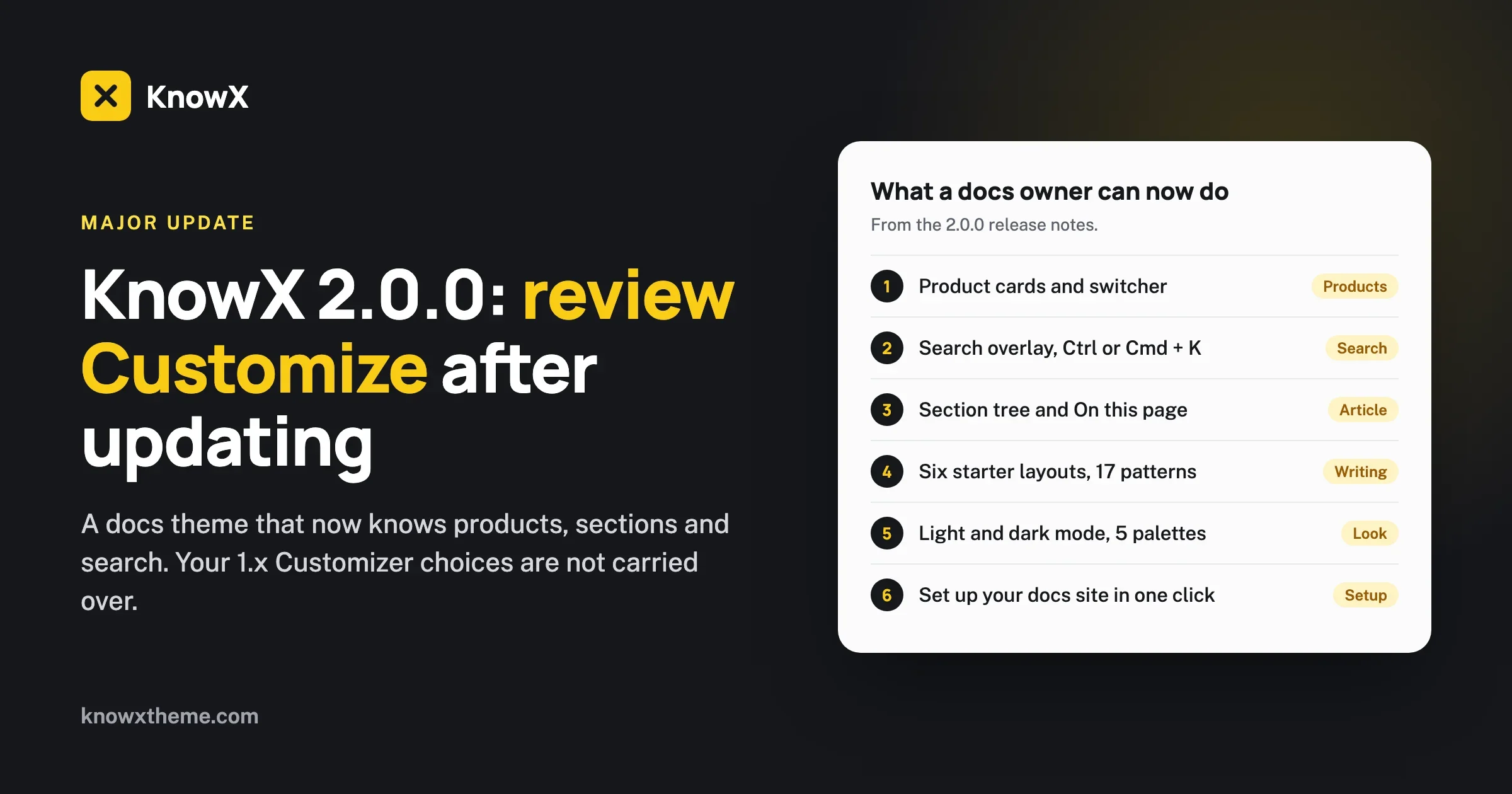
You write in the block editor, the same editor you may use for a blog. KnowX 2.0.0 adds docs-specific help: six starter layouts when you create an article (getting started steps, troubleshooting, API endpoint, docs home, FAQ and changelog entry), 17 block patterns, an “applies to version” badge and an Article Order field. It has product cards, a section tree and an “On this page” list. It supports several products on one site. Our KnowX 2.0.0 write-up goes through those in detail, and notes that 2.0.0 is a major update where 1.x Customizer choices must be reviewed.
On a SaaS tool
Vendors build editors made for support teams, with templates, draft and review workflows, roles and sometimes versioning. If your team has many writers and reviewers, a built-in workflow is a real convenience. WordPress has roles (author, editor, administrator) and revisions, and plugins can add workflow, but it is more assembly.
Who edits?
Ask who will write and who will maintain the articles. If it is two people in a small company, either route works. If it is twenty people across departments with approvals, a tool built for that workflow saves arguments.
Speed, security and keeping it running
A SaaS vendor runs the servers. You get uptime, patches and backups as part of the price. On your own WordPress site, those are your job or your host’s. A managed WordPress host reduces the work. A cheap shared host increases it.
KnowX 2.0.0 has some choices that help with speed: Open Sans is served from your own site, the page loads no jQuery and no icon font, and the docs lists are cached and bounded so large sites stay fast. Those are good for the theme. They do not replace a good host, a cache and regular updates.
Security on a self-hosted site is a habit: update promptly, use strong logins and two-step verification, remove plugins you do not use, and keep a tested backup. If nobody on your team will do that, a SaaS tool is the safer choice. That is a fair reason to pick it.
A decision table
If this is true for you | Lean towards |
|---|---|
You need ticketing, a shared inbox and a help center in one tool | SaaS |
You need article voting, search analytics and AI answers working on day one | SaaS |
Nobody on the team wants to maintain a website | SaaS |
You have many writers and reviewers who need approval flows | SaaS, or WordPress with extra plugins |
You want the lowest running cost and no per-person fees | Self-hosted WordPress |
You want to own your content and your web addresses outright | Self-hosted WordPress |
You publish documentation for one or more products and want a fast, tidy reading experience | Self-hosted WordPress with a docs theme |
You already run WordPress and know how to look after it | Self-hosted WordPress |
You want to start free and see | Self-hosted WordPress, with a staging copy |
Three example teams, and what we would suggest
These are made-up examples to show the thinking. They are not customers and not case studies.
A five-person software company with one product
The team answers support email every day, wants to see which questions repeat, and has one person who is comfortable with WordPress. If email volume is high and they want ticketing next to the help center, a SaaS help desk is a reasonable first choice, since the knowledge base comes in the same plan. If volume is low and the main aim is clear product documentation that ranks in search, a WordPress docs site costs less and gives them full control over structure. The tie-breaker is whether anyone wants to own updates and backups.
A small agency documenting its own plugin and theme products
Several products, a handful of writers, no ticketing needed in the same place. This is the shape KnowX 2.0.0 was built for: products as top-level categories, sections under them, a section tree beside each article and a product switcher in the header. Per-person fees would grow with every new writer on a SaaS plan, while WordPress roles cost nothing extra. We would start on WordPress and add a help desk for tickets only if the volume demands it.
A company that needs private help articles for paying customers
Content visible only to logged-in customers, an approvals workflow and reports for managers. This is where a dedicated tool earns its price. Document360’s page describes private knowledge bases with reader accounts, and the big help desk vendors cover logged-in help centers on their higher plans. KnowX has no per-article access roles, so you would be assembling that on WordPress with membership plugins. It can be done, but it is more work than choosing a product built for it.
What if I change my mind later?
Switching is possible in both directions, and it is easier if you plan for it from the start.
- Keep your own copy. Whichever route you choose, export your articles on a schedule. On a SaaS tool, use its export. On WordPress, take a full backup and a content export.
- Use your own domain from day one. If your help center lives at an address on your domain, you can move the content behind it without changing the address you gave to customers.
- Write in plain structure. Headings, short paragraphs, numbered steps and descriptive image names move cleanly. Heavily formatted content, embedded widgets and vendor-specific blocks do not.
- Record your redirects. If an address changes, add a permanent redirect from the old one. Our checklist for moving off a hosted tool covers images, links and what you may lose.
Questions people ask
Is WordPress good enough for a knowledge base?
Yes, for the right shape of knowledge base. Plenty of knowledge bases are WordPress sites: the articles are posts, the topics are categories, and a theme gives them a docs layout. What WordPress does not give you out of the box is support-team features such as ticketing, article ratings and search reports. You add those with plugins, or you choose a hosted tool that includes them.
Is KnowX really free?
Yes. KnowX is a free theme on WordPress.org, made by Wbcom Designs and released under the GPL. You pay for your own hosting and domain. We offer custom development separately, on request, after a discovery call, and nothing in the theme requires it.
Which is better for search engine visibility?
Neither wins by default. A help center on your own domain with clear titles, short pages and good internal links can rank well on either route. KnowX outputs structured data for the site, articles, breadcrumbs and FAQ, according to its release notes, and your SEO plugin can add more. A SaaS help center on a subdomain can also rank, and many do. What helps most is the content: answer one question per article in the words your customers use.
How many people can edit?
On WordPress, as many as you create logins for, at no extra fee, and you control what each role can do. On SaaS tools, editors usually count towards the price, so check how the vendor counts a writer who edits twice a month.
We have 40 articles. Does it matter?
At 40 articles, almost any option works, and the cost difference is mainly the monthly fee and the time to maintain a site. The decision gets more important at 400 articles, when structure, search and ownership start to matter. Pick something you can leave if you have to.
Can I try before I choose?
Yes, both ways, and we suggest you do.
- For SaaS: use the free trials the vendors list. Help Scout shows 15 days for two paid plans and Zendesk shows 14 days of Suite Professional, as of the date we read their pages. Put ten of your real articles in it and try ten real customer questions in the search box.
- For KnowX: KnowX 2.0.0 includes a WordPress Playground blueprint with sample docs, and the theme’s setup notice can add sample docs (two products, an FAQ, a changelog and a menu) in one click on a test site. You need WordPress 6.9 or newer and PHP 8.1 or newer. Our guide to building a knowledge base on WordPress with KnowX walks through the first setup. It was written before 2.0.0, so some Customizer steps have moved.
Run the same test on both: add ten articles, ask ten real questions, and see which gets people to the answer faster. That test is worth more than any comparison table.
A common middle path
Many teams do not choose one forever. A frequent pattern is to publish the public knowledge base on self-hosted WordPress, where the content, the addresses and the cost are under your control, and to use a SaaS help desk only for tickets. The knowledge base links to the contact form, and the help desk links back to the articles. The cost stays low, and each tool does the job it is good at. If you decide later to move one piece, you only move that piece.
If you are setting up a customer help center specifically, see our page on customer help centers. For the theme itself, see the WordPress knowledge base theme page or download KnowX from WordPress.org.
What we have not verified
Prices and plan details are from the vendors’ own pages as of 23 October 2026, and they change. We did not test the search, analytics or AI features of any SaaS tool, and we did not compare search quality across tools. The totals in the table are simple multiplication of list prices, not quotes. Help Scout’s annual prices were not readable from the page. Document360 gives no public prices. If a vendor’s current page differs from what we wrote, trust the vendor and tell us so we can fix this post.
The honest summary is short. A SaaS help center buys you a finished product and someone else’s maintenance. A WordPress knowledge base buys you ownership and a low running cost, and asks for a little care. Choose by who will do the work and what you need on day one, not by which sounds more modern.